A quiet notes app for people who build things. Markdown files you own, one column to write in, and every key where your hands already are.
Batteries included.
No plugins to hunt for. Everything below ships in the app, works offline and is on by default.
Offline-first
localNo account, no spinner, no waiting on a server. Works on a plane, in a submarine, or on an island in the middle of nowhere.
Private
no trackingNo analytics, no telemetry, no machine-learning training data. What you write never leaves your machine unless you send it.
Encrypted
AES-256Notes are encrypted at rest and in sync. The key stays with you.
Backlinks
[[Type [[ to link any note. Each note shows the sentence that links to it, not just a title.
Graph
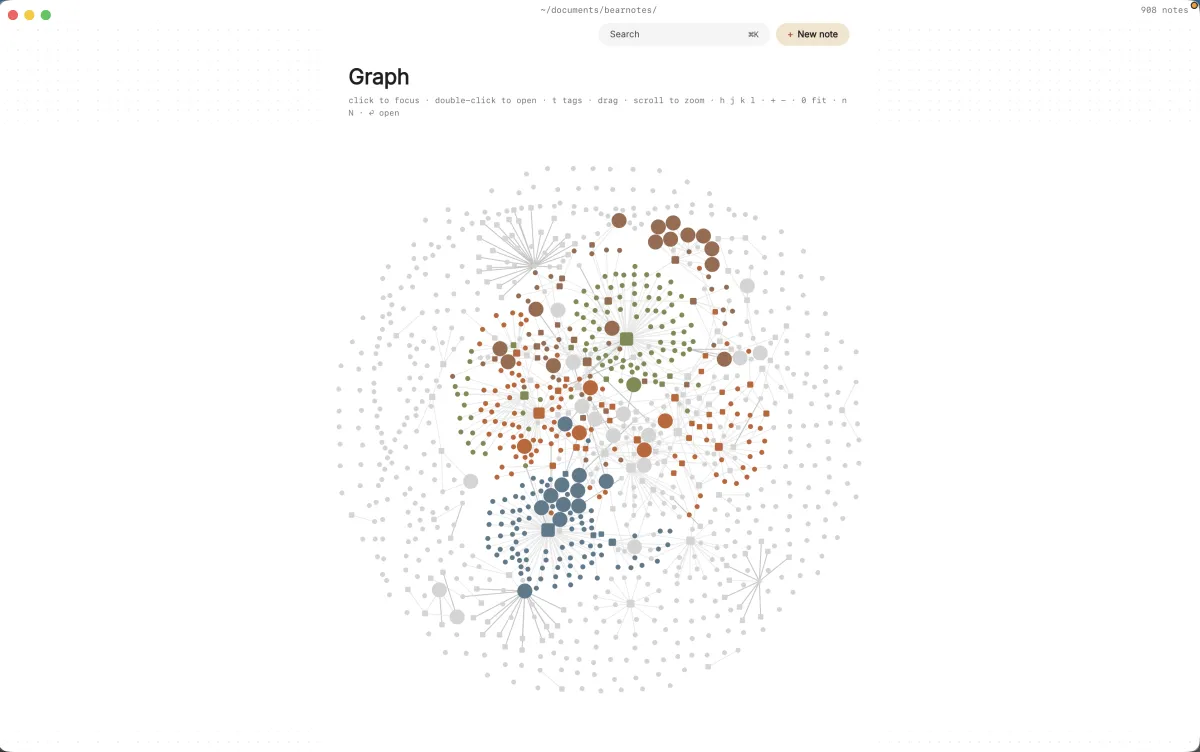
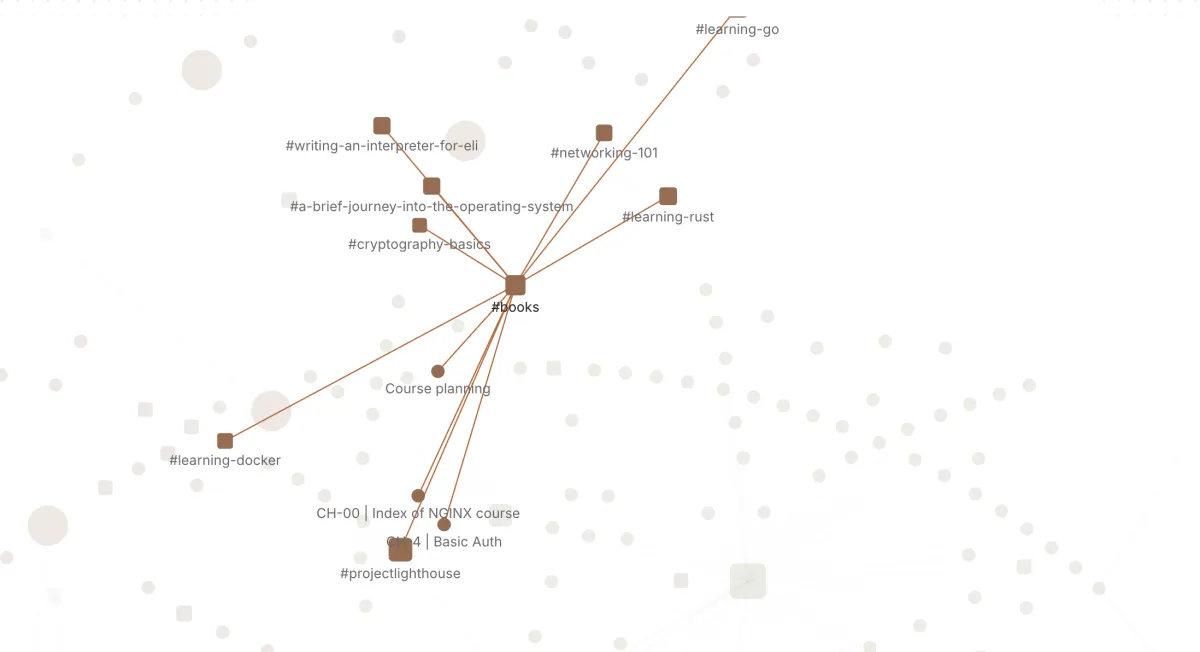
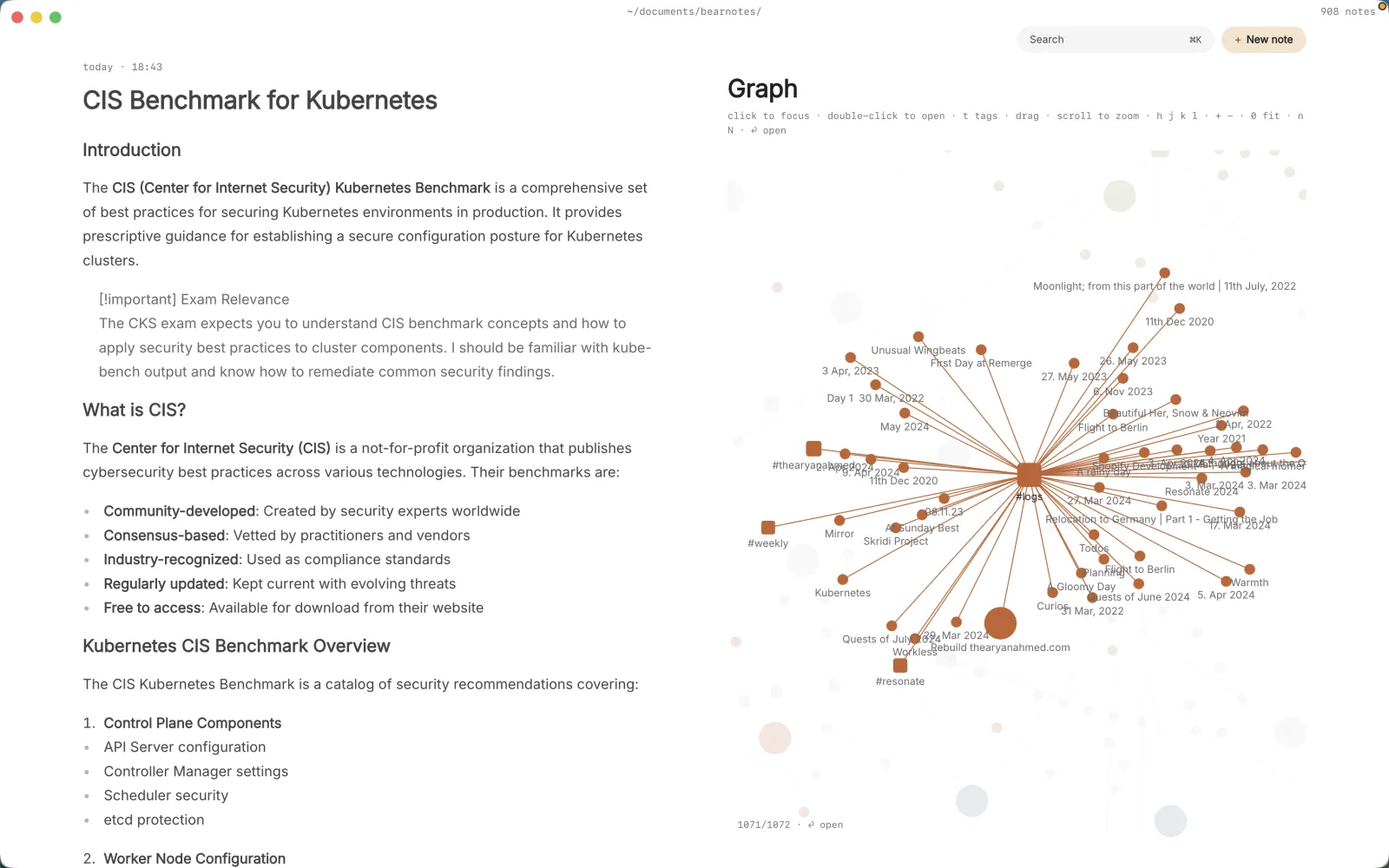
gvSee how your notes connect. Clusters show up on their own; follow any line to the note behind it.
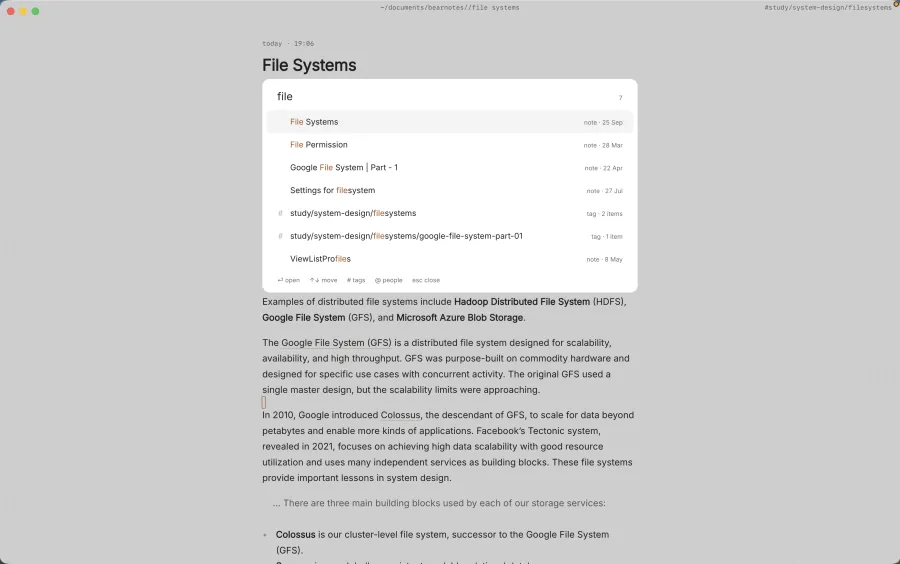
Full-text search
⌘KEvery word, every note, as you type. Press ⌘K and it’s there.
Tasks
- [ ]Any checkbox in any note is a task. Mark it done, or cancel it with [-] so you remember you decided not to. Every open one shows up in a single list.
Tags and folders
# /Write #lisbon in the sentence, or file it in a folder. Use both, either, or neither — nothing to keep tidy.
People
@Write @elizabeth and every line about her is one keystroke away, right before the meeting.
Command palette
:Type : and name what you want. Everything the app can do is in there, so there’s no menu to learn.
Vim mode
escModal editing, motions, text objects and registers, all there if you want them. And yes, you can quit: :q. We checked.
Sync
git · iCloud · DriveYour vault is a folder. Keep it in git, iCloud or Google Drive — commit it, push it, diff it. Your history is yours.
Password-protected notes
--lockLock a single note behind its own password. Everything else stays one keystroke away.
Themes
:theme paperLight, dark, and a few in between. Pick one, or write your own in a single CSS file.
More batteries to come.
Capture first
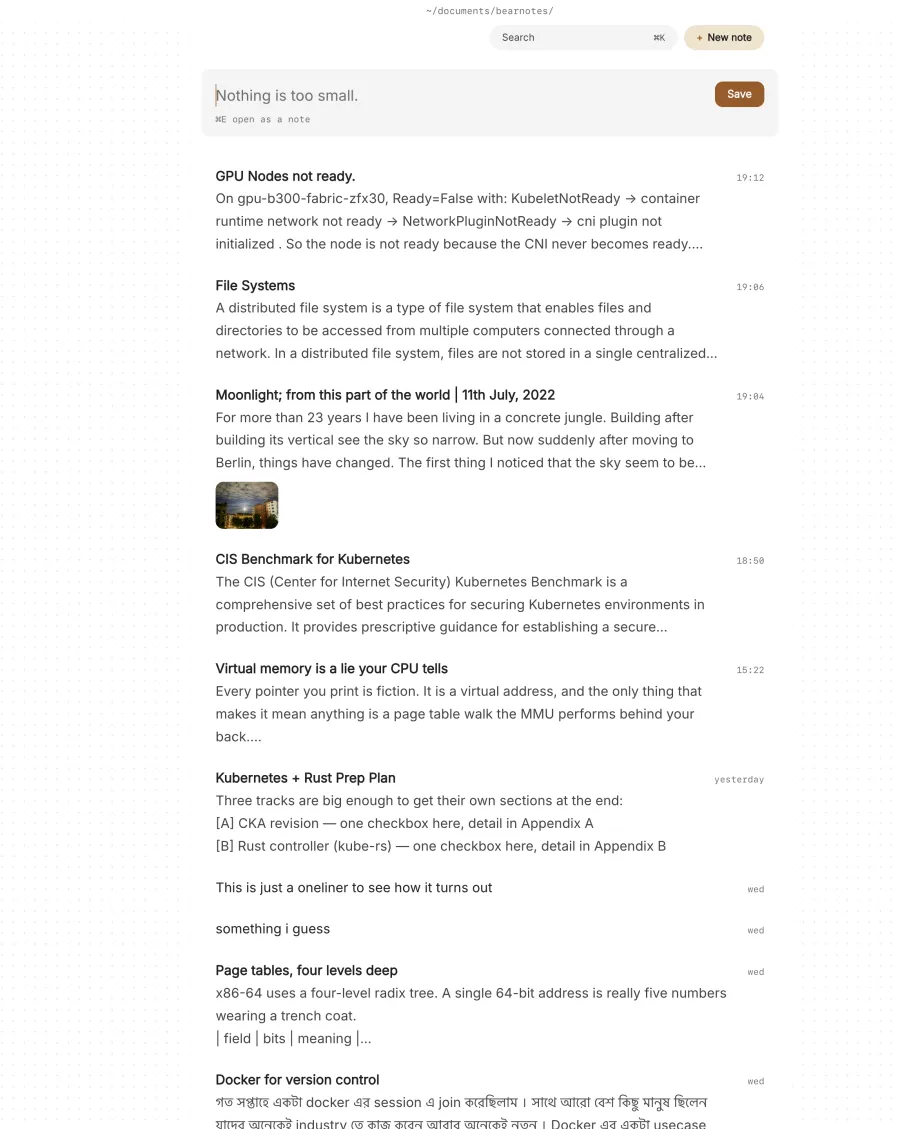
Most of what you write down is small. A lens is soft wide open. Alan wants the dashboard on Thursday. Type it in the box and press ⌘↩ — that’s the whole ceremony. When a line turns out to matter, ⌘E opens it as a full note, with nothing lost.
Your files
Every note is a markdown file in a folder you choose. Grep it, keep it in git, open it in vim. paperkites is one way to read those files, not where they live.
Things find each other
Tags live in the sentence, not a sidebar. A link shows you the sentence that points back, not just a title. And @elizabeth brings up everything you’ve written about the people you work with — right before the meeting.
Built for the keyboard
Vim bindings throughout. j and k through your notes, gd to follow a link, ⌃o to come back, ⌘K to go anywhere. The mouse is welcome, never required.
Or never leave the shell
A small CLI, kite, writes to the same folder. Pipe into it, alias it, bind it to a key.
Your notes are files.
Every note is a .md file in a folder you choose. Open it in vim, grep it, back it up, walk away with it. paperkites is how you read them, not where they’re kept.
See how it connects.
Every [[link]], #tag and @person becomes a line. Clusters show up on their own. Follow any line to the note behind it.
Hands on the keys.
Everything has a shortcut. Vim is there if you want it, and invisible if you don’t.
After trying a lot of note apps, it always felt like something was always missing, or there was far too much.
Close to ten years of switching apps, plus a few honest attempts at journaling with a real pen and paper. Each one got something right. None of them got all of it.
paperkites is my take; a simple place to write, the right tools close by, and privacy as the starting point rather than a setting.
I’m a software engineer by day. By night I’m an adventurer, a photographer, and someone who can’t stop building things.
It’ll miss a few features, I’m sure. That’s fine — I’d rather it did the important things well.
kiteCLI.
Almost ready to fly.
Coming soon to macOS and Linux.